

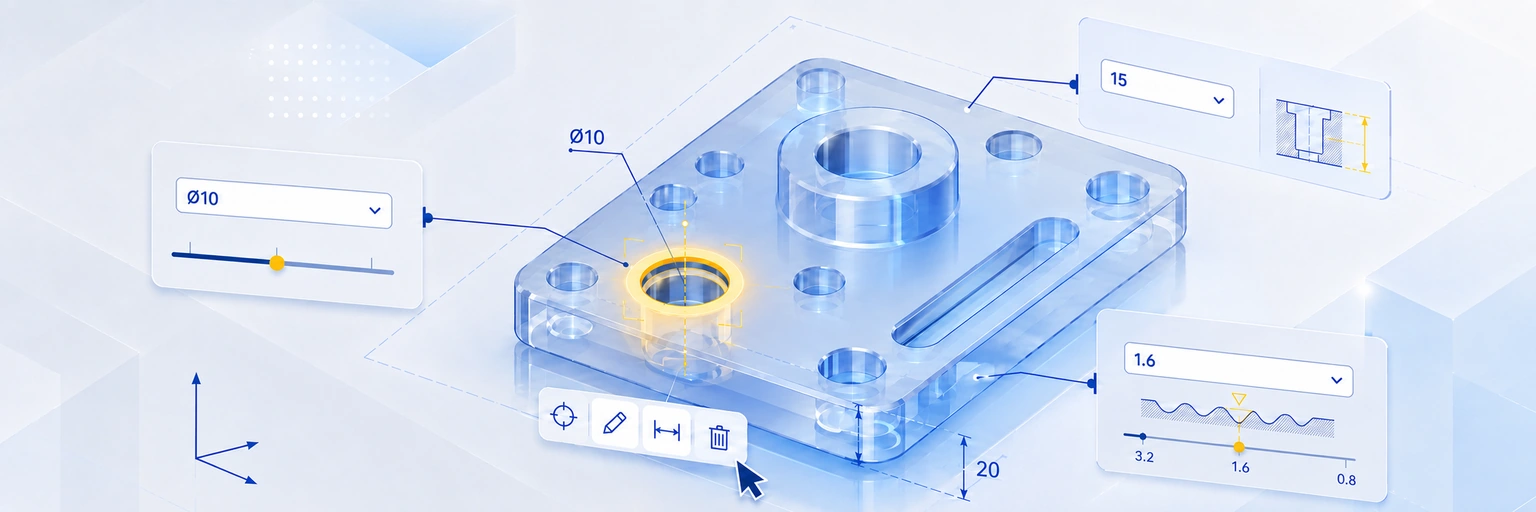
3D CAD ready, 2D drawing ready, quotation request sent — only to realise you need to adjust a single hole tolerance. And now the whole quotation process starts over. Sound familiar?
In a traditional procurement process, every change — even something as small as a hole tolerance — means requesting a new quote. That’s more hours finalising updated 2D and 3D drawings, re-requesting the quotation, and waiting again for the parts.
With meviy, none of that applies. After uploading only your 3D design, you can edit the 3D CAD’s hole specifications directly on screen and see the price and delivery date update instantly — with no new drawings needed on your side. You can change a specification such as a tolerance as often as you like and get the price and lead time in real time, all without ever drawing the 2D.
This is already a gamechanger for designers worldwide. Below are a few tips to help you get the most out of it.
How to edit 3D CAD hole specifications in meviy
After uploading your 3D CAD model, double-click directly on the hole you want to define as a precision hole — or double-click the target hole in the tree view on the left. The hole information screen appears.
Once you’ve selected a hole, the hole-information screen opens, where you finalise your configuration:
- Set the hole diameter tolerance type — choose a tolerance field, or define a bilateral/unilateral tolerance in millimetres.
- Select the effective depth if applicable (the depth for which the tolerance is valid).
- Add surface roughness — available only when hole precision is specified. It can’t be set for external or other surfaces.
Keeping your hole tolerances in check
Once a hole tolerance is defined, it’s automatically shown in the model view next to the diameter — so you can always double-check your settings at a glance.
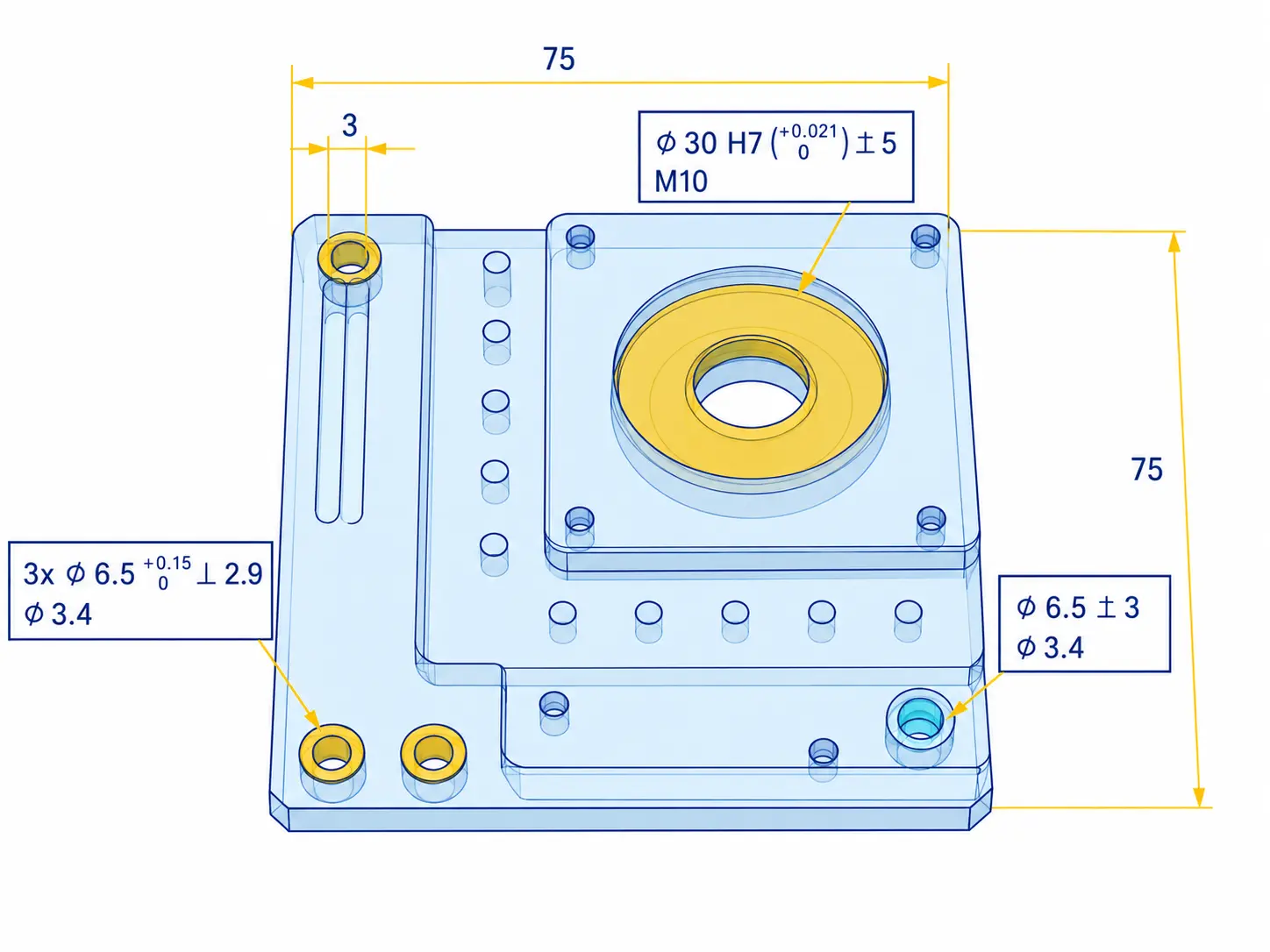
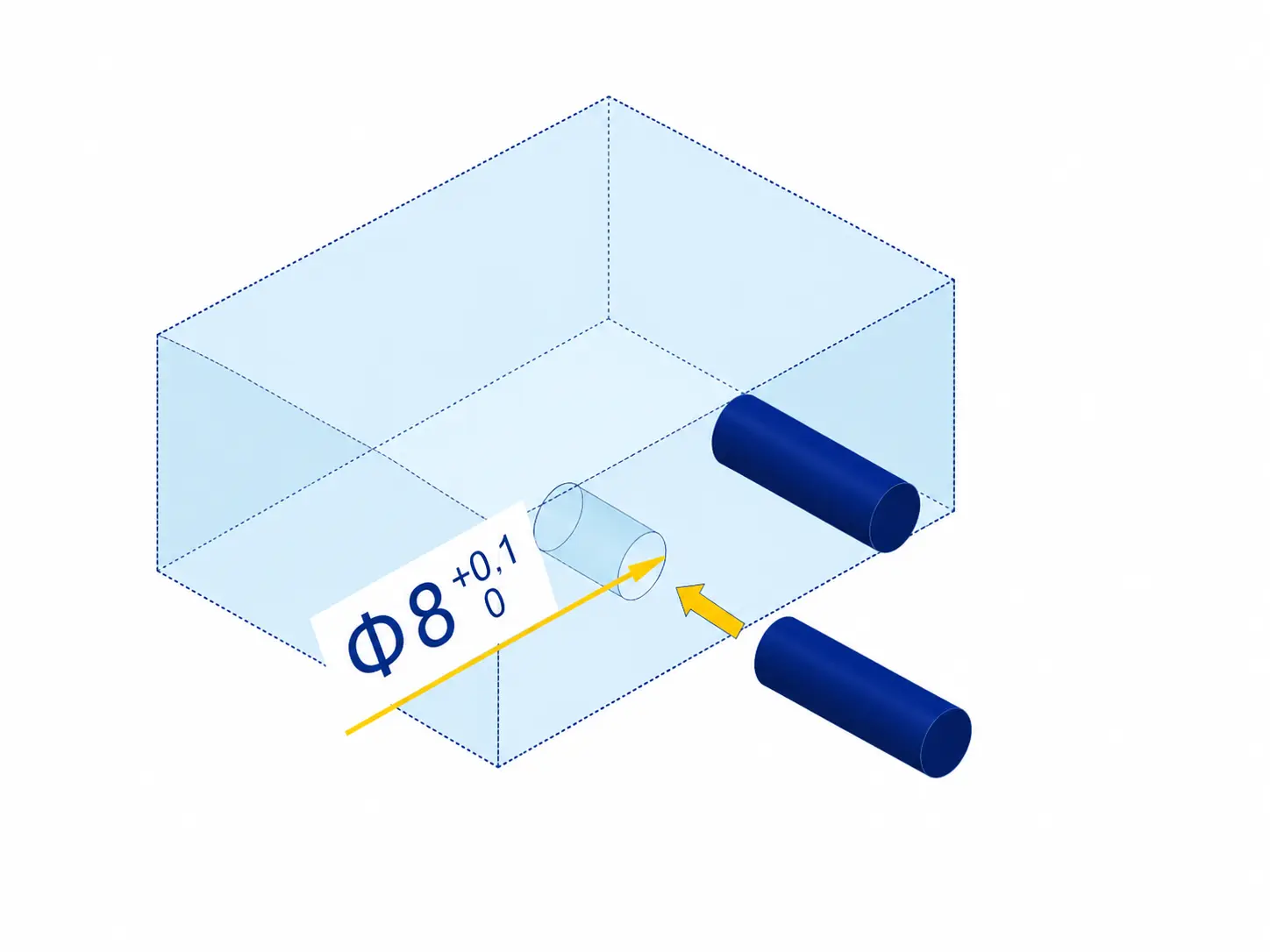
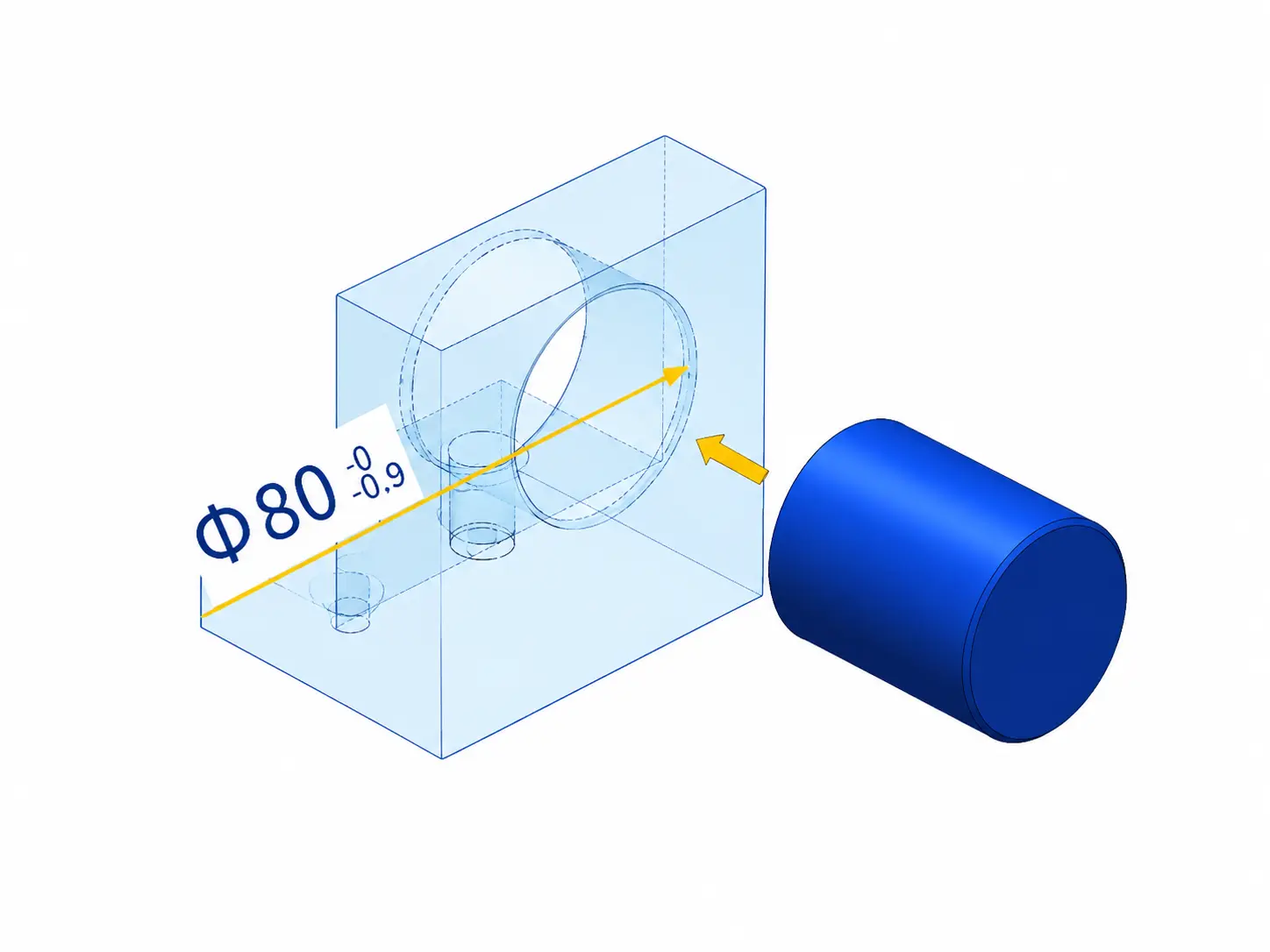
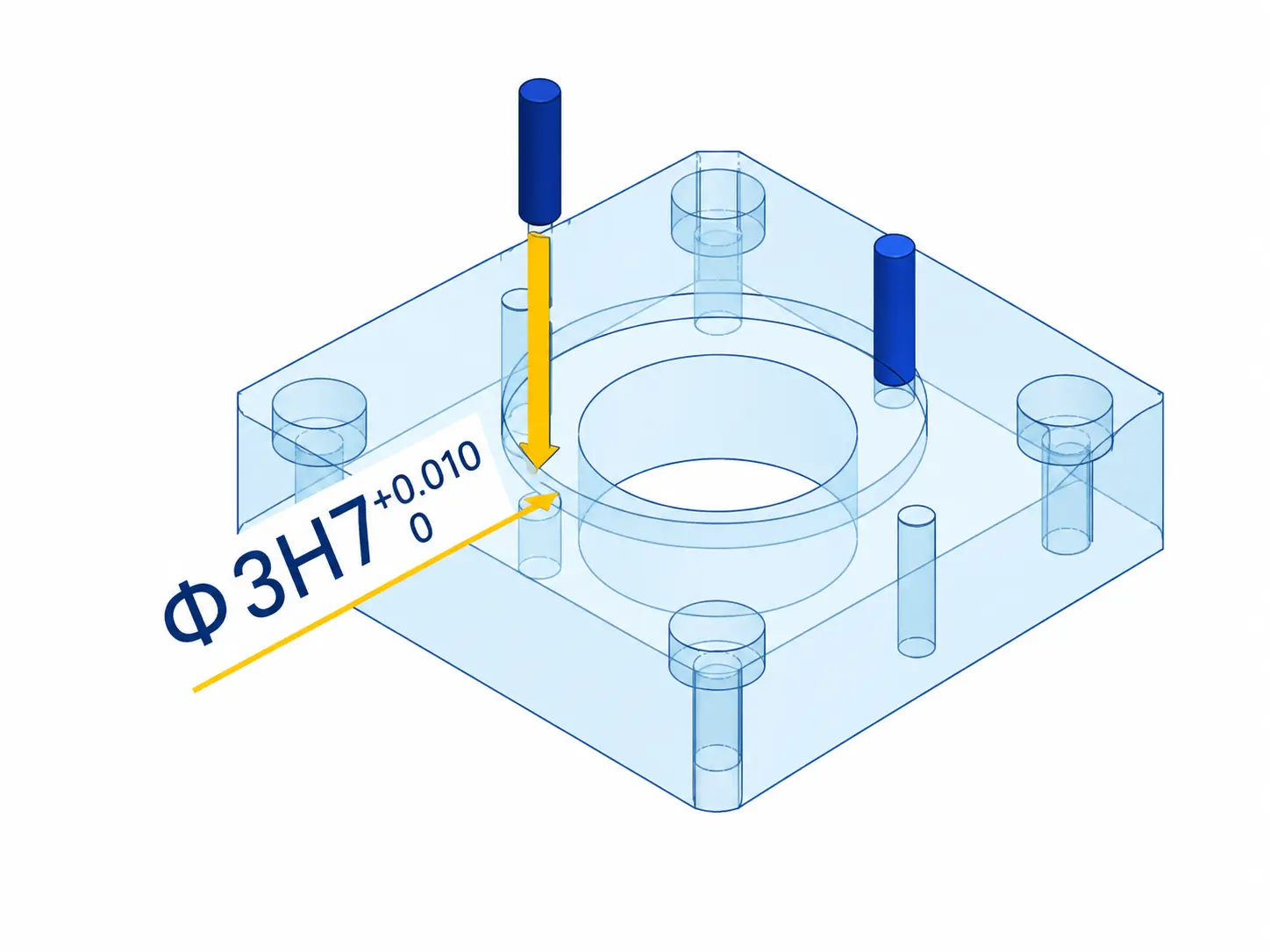
Hole tolerancing usually depends on the function of the final part. The examples below show how tolerancing differs for suspension blocks, anti-vibration fixtures, and positioning plates.