Upload a 3D CAD file and get instant pricing, lead times and manufacturability feedback – without a quote request or sales call. This page guides you through login or registration to your first quote.
meviy
A MISUMI Service
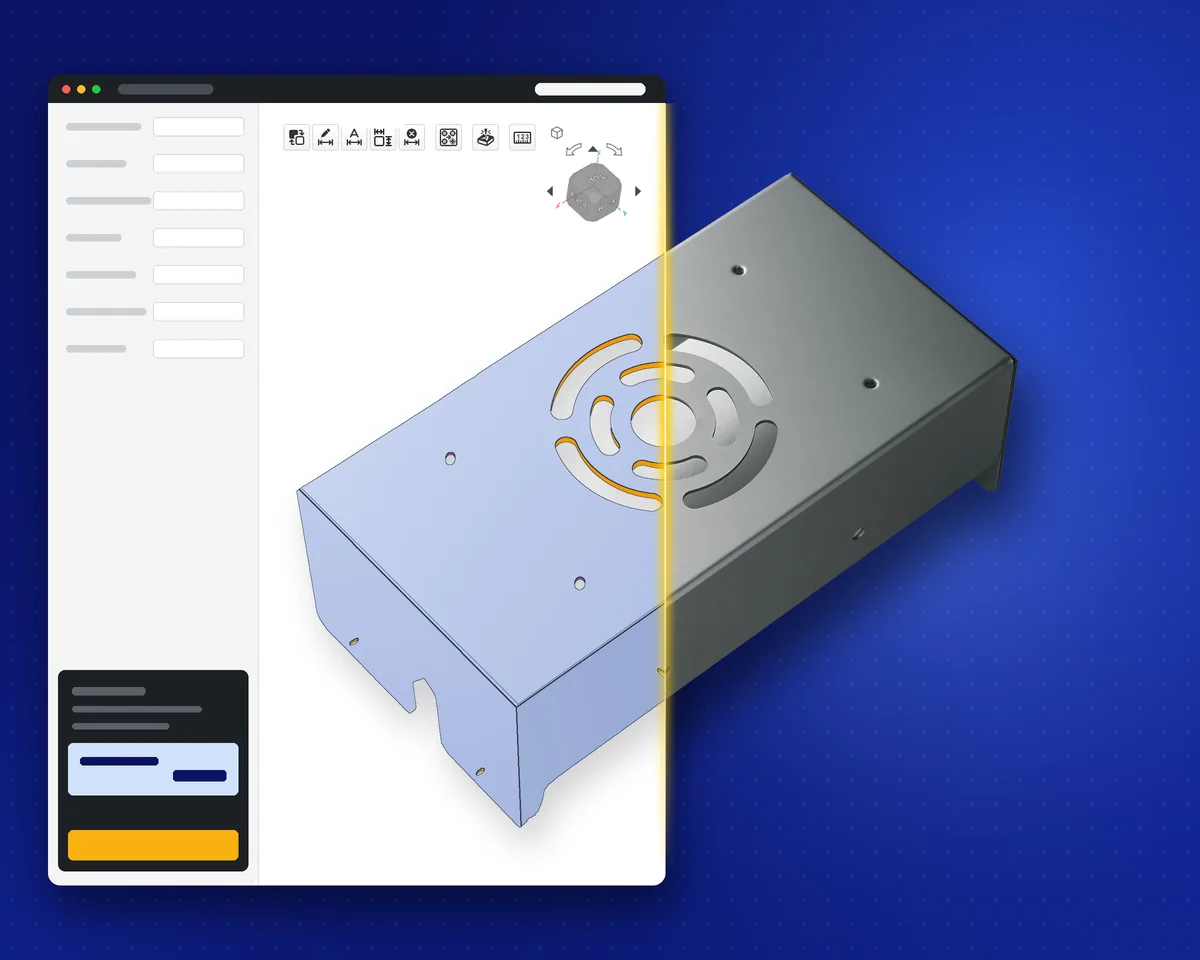
From your 3D model in meviy to the finished part.
If you or your company have ever ordered from MISUMI, you already have one.
meviy is a service from MISUMI. Your existing MISUMI account – the one you use on uk.misumi-ec.com – gives you immediate access to meviy.
Upload your 3D CAD file and get straight away:
For CNC machined parts and sheet metal parts.
Log in with the same e-mail address and password you use for MISUMI. After logging in, select “New Part” and upload your first CAD file.
If you are asked to link accounts on your first login, follow the instructions on screen – this is a one-time step.
MISUMI is a global supplier of standard and configurable engineering components from a catalogue. meviy is a digital manufacturing service from MISUMI for custom CNC and sheet metal parts, made from your 3D CAD data.
With one free account, you get access to both.
With both accounts you can upload your CAD files and get instant quotes as soon as your registration is complete. No waiting for approval.
For companies that want to order parts.
For trying meviy before you share company details.
Both accounts also give you access to the MISUMI catalogue.
Registration takes about 5 minutes:
The registration page opens in a new tab. Come back here once you have completed the form.
As soon as your registration is complete, log in to meviy with the same e-mail address and password. You can upload parts and get quotes straight away – also while your corporate account is still being approved.
If you are asked to link accounts on your first login, follow the instructions on screen – this is a one-time step.
No. Both account types are free. There are no monthly fees or subscriptions. You only pay for the parts you order through MISUMI or meviy.
MISUMI supplies standard and configurable engineering components from a catalogue. meviy is a digital manufacturing service from MISUMI that produces custom CNC and sheet metal parts directly from your 3D CAD data. One account gives you access to both.
meviy supports common CAD formats including STEP (.stp, .step), CATIA V5-6R2022 and previous versions (.CATpart), Creo – Pro/E 19.0 to Creo 9.0 (.prt, .neu, .xpr), NX – Unigraphics (.prt), Solid Edge V19–20 / ST10 and previous versions (.par, .pwd), SOLIDWORKS 2023 and previous versions (.sldprt), I-deas (.arc, .unv), iCAD SX V8L3 and previous versions (.icd), STEP AP203, AP214 (.step, .stp), Parasolid (.x_t, .x_b, .xmt, .xmt_txt), ACIS (.sat, .sab), JT (.jt) and PRC (.prc).
meviy calculates the price automatically as soon as you upload your CAD file. There is no waiting period and no need to speak to a sales representative.
Yes. Once your registration is complete, you can log in to meviy, upload parts and get quotes. Ordering is possible as soon as MISUMI has approved your corporate account, which takes up to one working day.
Log in to your MISUMI account, click your name in the top menu and choose the account upgrade. You can then register a new corporate account or join your company’s existing MISUMI account with its customer number. MISUMI checks the registration and confirms it by e-mail – if you join an existing account, your company’s administrator confirms it.
Your CAD data stays confidential: encrypted transfer and storage, access for authorised staff only and regular security tests by independent third parties.
Make sure you have confirmed your e-mail address via the link from MISUMI. Then use the same login details as on uk.misumi-ec.com. If it still does not work, write to meviy-eu@misumi-europe.com.