Projects don't take holidays – save EUR 200

Suppliers close in August. meviy doesn’t. Upload CAD, get EUR 200 off orders above EUR 200. 15 Jul–31 Aug. T&Cs apply.

×

Manufacturing innovation, built into your price

Milling Parts Standard shipping now runs more competitively on orders with larger quantities, powered by smarter automation.

×

Welding Services

Precision welding for sheet metal you can trust.

Upload your 3D CAD assembly. Select your material, surface treatment, and weld configuration. Receive an instant quote with price and lead time. 

Cutting, bending, welding, and surface finishing — all from a single supplier. No hand-offs, no follow-up calls, no logistics between steps.

Built for engineers who care about edge quality, material integrity, and repeatable results.

Get Instant Quote

These formats are supported by meviy:

Autodesk Inventor 2023 + previous versions (.ipt)
CATIA V5-6R2022 + previous versions (.CATpart)
Creo – Pro/E 19.0–Creo 9.0 (.prt / .neu / .xpr)
NX – Unigraphics (.prt)
SolidEdge V19–20 / ST10 + previous versions (.par / .pwd)
SOLIDWORKS 2023 + previous versions (.sldprt)
I-deas (.arc / .unv)
iCAD SX V8L3 + previous versions (.icd)
STEP AP203, AP214 (.step / .stp)
Parasolid (.x_t / .x_b / .xmt / .xmt_txt)
ACIS (.sat / .sab)
JT (.jt)
PRC (.prc)

No 3D model? We also quote from 2D drawings. Request a quote.

Free quote in seconds • No credit card required

Advantages of sheet metal welding with meviy

Three things that separate meviy from a standard fabrication supplier.

One-stop solution from 3D to finished part

Cutting, bending, welding, and surface finishing all from a single supplier. No hand-offs, no follow-up calls, no logistics between steps — just upload your model and receive the complete part.

Less engineering effort

No detailed weld drawings or seam specifications required. meviy recognises weld connections directly from the geometry, keeping your workload minimal.

Ideal for low-volume production

Designed for 1–5 piece orders. Prototypes, one-offs, and small series become as easy to source as standard sheet metal parts — with no minimum order pressure.

What can be welded with meviy

Three categories of welded assembly are supported. Each can include components with bending interference or two or more sheet thicknesses within the same assembly.

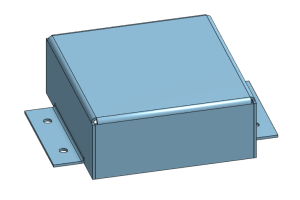
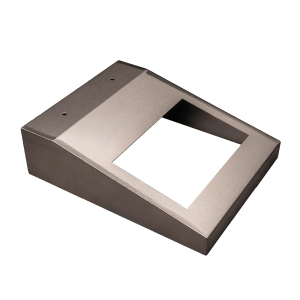
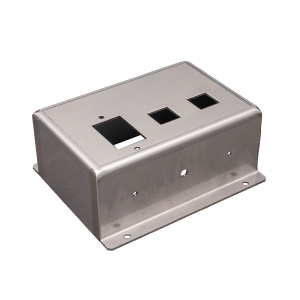
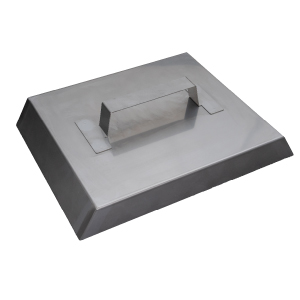
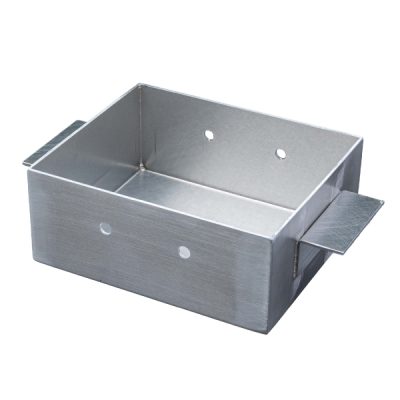
Boxes and enclosures

Boxes and enclosures

Closed or open box geometries with welded corners — the most common use case. Covers, doors, and trays with plate-to-plate connections are fully supported.

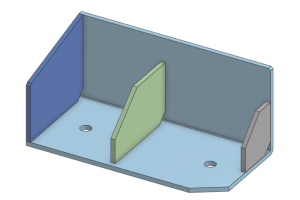
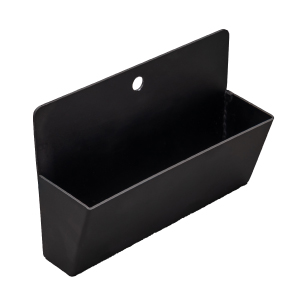
Reinforced sheet metal structures

Stiffened panels, small auxiliary frames, and trays with internal ribs. Any geometry within the standard sheet metal scope — laser-cut, punched, and bent — can be extended to a welded assembly.

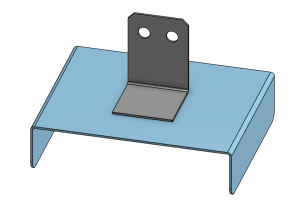
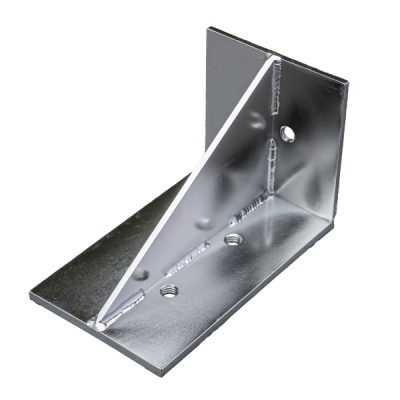
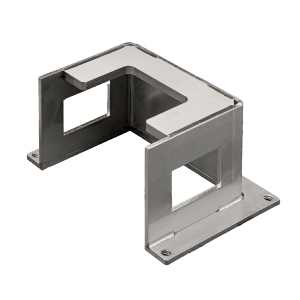
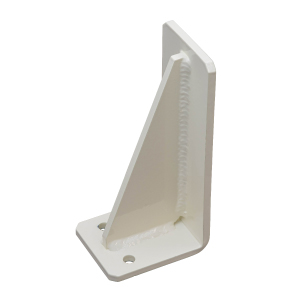
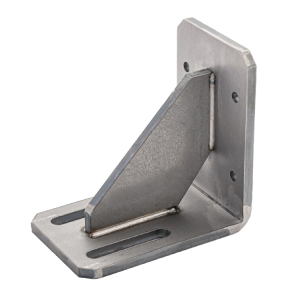
Brackets and plate assemblies

Brackets and plate assemblies

Closed or open box geometries with welded corners — the most common use case. Covers, doors, and trays with plate-to-plate connections are fully supported.

What can't be welded with meviy

Three part types fall outside the scope of this service.

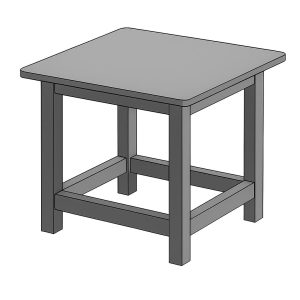
Tube and pipe constructions

Tube and Pipe Constructions

Assemblies that include round tubes, pipes, or structural profiles cannot be ordered. The service is limited to plate-to-plate connections only.

Large structural frames

Oversized assemblies exceeding 1500 mm (L+W+H) or 27 kg are not supported. The focus is on small to medium functional subcomponents, not standalone large-scale structures.

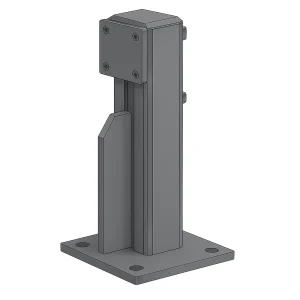
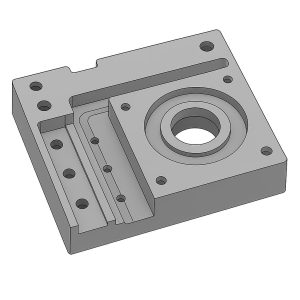
Machined parts combined with sheet metal

Machined parts combined with sheet metal structures

Hybrid assemblies mixing CNC-machined components with sheet metal plates are outside scope. Parts must consist entirely of sheet metal elements.

How to set up a part for welding

Three rules cover the vast majority of upload errors. Follow them before you export your file.

Upload, select the part, and activate the welding service

meviy detects weld connections automatically based on proximity in your 3D model. Any two surfaces with a gap of 0.15 mm or less will be recognised as a weld joint. Surfaces further apart will not be welded — model your joints tight.

Export only the sheet metal bodies — nothing else

Your upload should contain the bare plate geometry only. Do not model weld seams, fillet features, or any weld preparation geometry — meviy determines seam placement and weld type automatically. Additional hardware such as nuts must not be modelled either; if you need threaded inserts, add them as a feature directly inside meviy after upload. 

Upload, select the part, and activate the welding service

Upload your assembly file to meviy as usual. Once uploaded, select the part in the viewer, then click the welding service button to trigger automatic recognition of weld joints and generate your quote. From here you can also add nut features or other extras before placing the order. 

See how it works

Watch this short walkthrough to see how to set up and order a welded sheet metal part on meviy — from CAD upload through to quote confirmation. 

The video covers: 

  • How to prepare your CAD assembly for upload 
  • How meviy recognises weld joints automatically from your geometry 
  • How to activate the welding service and review your quote 
  • How to add nut features and extras before placing the order

Examples of welded parts

Explore typical welded assemblies that can be produced through meviy’s welding service, from simple brackets to more complex sheet metal structures.

Short from zero to hero: understanding the structure

New to welded sheet metal design? The technical page covers structure overview, available materials, size limits, weld types, and quality assurance in one place.