Short videos take you from your first 3D CAD upload to a quote you can order. Learn how to set quotation defaults for sheet metal, milled and turned parts, configure welded assemblies and use new options such as grinding, fine finish and passivation.
meviy
A MISUMI Service
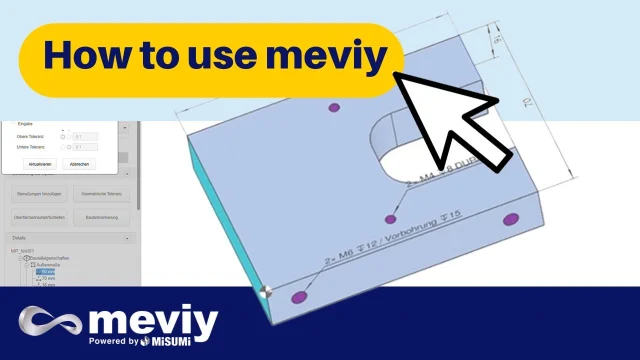 How to use meviy: the fastest way to design, quote & order custom parts onlineDiscover how meviy transforms the way engineers design, quote, and order custom parts instantly.
 Quotation Settings for Milled & Turned PartsSet your default quotation settings for machined plates and turning parts in meviy.
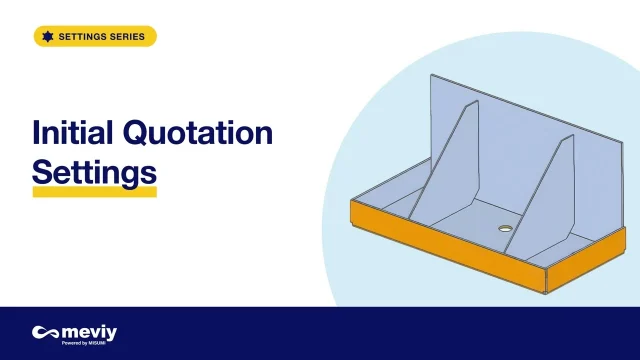
 Sheet Metal Quotation SettingsSet your default quotation options for sheet metal and welded sheet metal parts, and decide what happens to your original uploads.
 Hole Recognition & Default TolerancesSet how meviy recognises holes and inner diameters in your 3D CAD data, and how dimensions and tolerances are added.
 Recognition and Processing SettingsSet how meviy recognises your 3D CAD data and prepares your quotes.
 Import & Export SettingsControl who can view and purchase your part numbers in meviy.
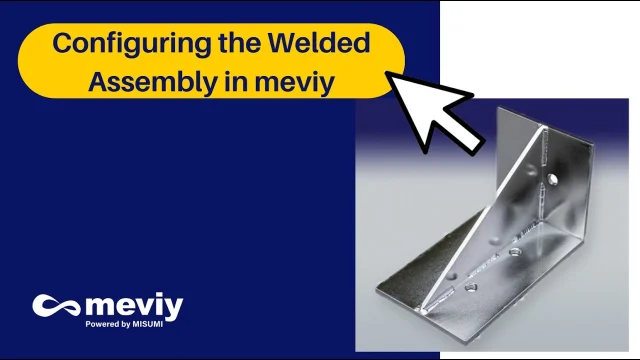 Configuring the Welded Assembly in meviyIn this video, you'll see how to configure a welded sheet metal assembly directly in meviy after uploading your .STEP file.
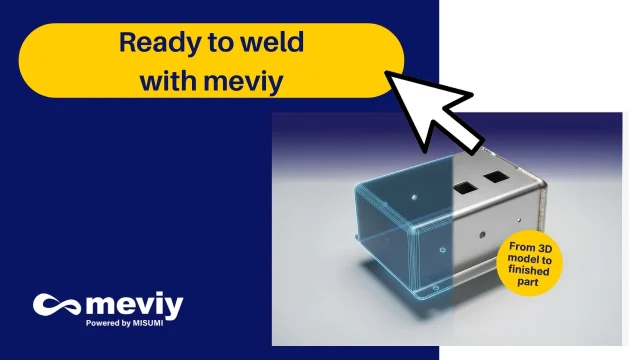 Preparing the CAD File in SolidWorksIn this video, you'll learn how to prepare your SolidWorks model correctly before uploading it to meviy for welding.
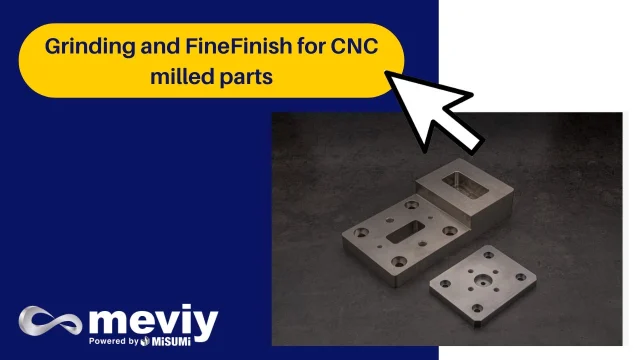 Instant Grinding & Fine Finish QuotingFrom rough to refined—meviy powered by MISUMI takes precision manufacturing to the next level.
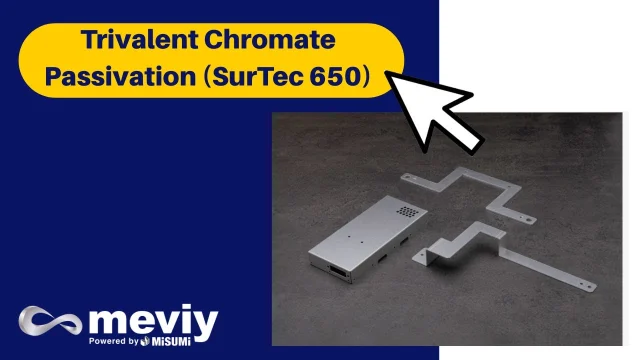 Trivalent Chromate Passivation (SurTec 650) for stainless steelDiscover Surtec 650, the eco-compliant, high-performance trivalent chromate passivation for stainless steel, now available through meviy.
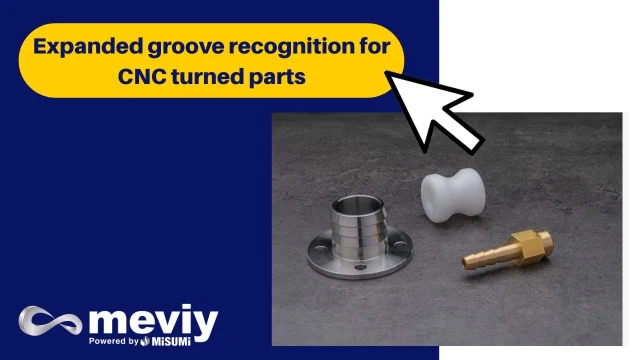 Automatic square & V-groove recognition for turned partsDiscover meviy’s latest update: automatic recognition of square and V-grooves for CNC turned parts.