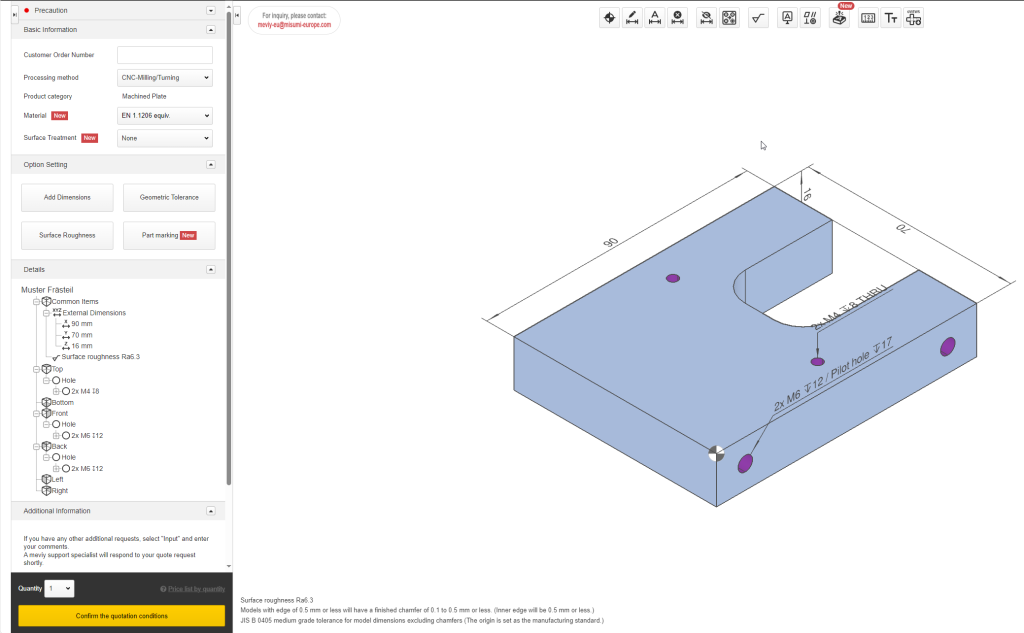
After you have logged in, please start by uploading your 3D CAD file and click Next
. You can then customise your settings, for example by selecting the material. To request a quote, click on the yellow button Confirm the quoting conditions
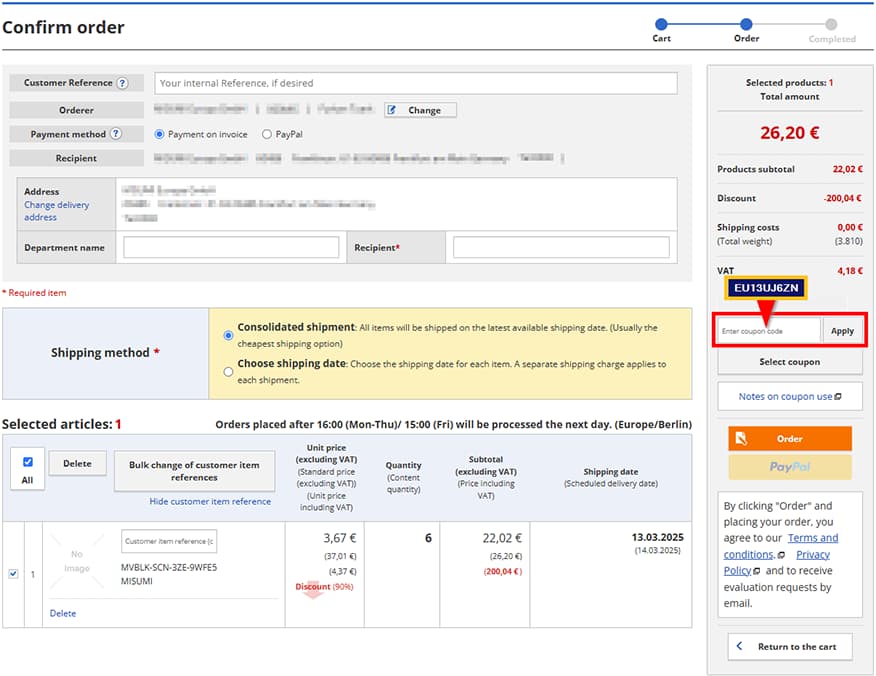
at the bottom left. After you have requested a quote, you can select a shipping option and add the part to your shopping cart. From the shopping cart, you can access our MISUMI Web Ordering System (WOS) by clicking on Proceed to Order
.